Dev

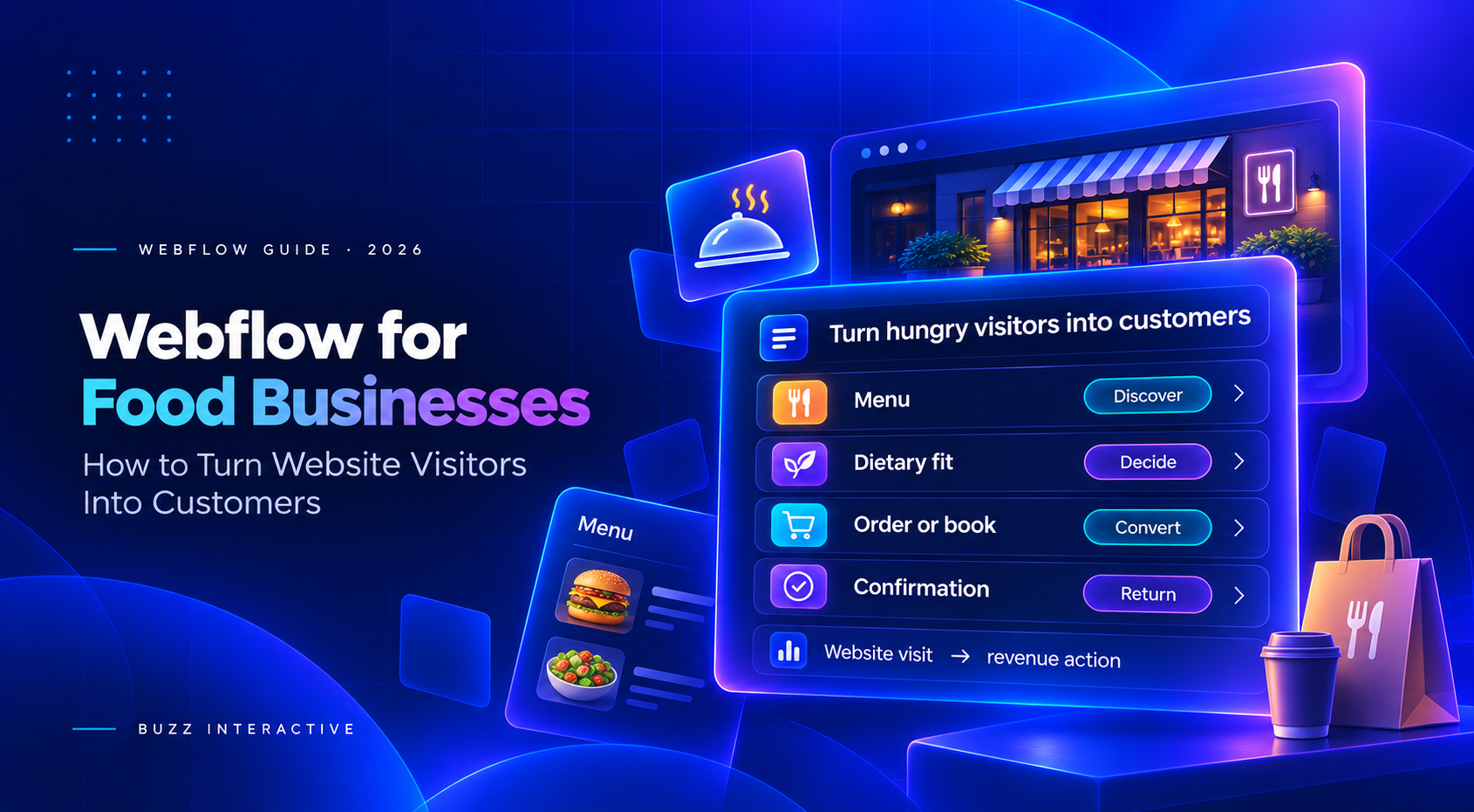
Webflow for Food Businesses

Webflow for Food Businesses
| 4.9
Your website should be your 24/7 sales machine.

We develop websites designed to convert.

Thank you! Your submission has been received!
Oops! Something went wrong while submitting the form.

Built for companies ready to scale

Created on:
November 11, 2026
Published on:
November 11, 2026
Quick answer

Webflow is a strong choice when a food business needs a distinctive, fast-changing marketing site that turns local discovery into orders, reservations, visits or catering enquiries. Its value comes from structured menus, location pages, campaign landing pages and clear conversion paths. Use specialist restaurant systems for kitchen routing, delivery dispatch, table inventory, POS reconciliation and complex subscriptions. The right decision is not Webflow or operations software; it is a connected customer journey with a clear owner for every step.

The real problem is not a lack of website traffic

Most people arrive with urgent, practical questions: What do you serve? Can I eat it? How much does it cost? Are you open? Do you deliver here? Can I book? The website loses the sale when the answer is hidden in a PDF, an outdated social post, a slow gallery or a generic contact form.

Food businesses also manage volatile information. Prices, sold-out items, service hours, locations, seasonal menus, delivery zones and offers change. If those details disagree across the website, Google Business Profile and ordering platforms, trust falls before the visitor reaches checkout.

Seven conversion problems food websites repeatedly create

Problem What the visitor experiences Commercial effect
Unclear first action Order, book, view menu and contact compete equally High-intent visitors hesitate or leave
PDF-only menu Pinching, downloading and poor searchability on mobile Fewer menu views and weak organic discovery
Stale details Prices, hours or availability conflict across channels Lost trust, complaints and wasted staff time
Slow visual pages Large imagery and effects delay useful content Mobile abandonment before the menu loads
Weak dietary guidance Ingredients, allergens or suitability are hard to verify Customers self-select out or contact staff
Generic proof Beautiful photos without reviews, provenance or outcomes The business looks attractive but interchangeable
Broken handoff The order or reservation link opens the wrong location or flow Revenue leaks at the final step

‍

The path from hungry visitor to customer

Every step must answer the next buying question without forcing the visitor to hunt

Intent

What do you serve?

Fit

Can I eat it?

Trust

Is it worth choosing?

Action

Order, book or enquire

Confirm

What happens next?

Mobile speed, clear prices, dietary information, proof and direct-action links support the whole journey.

‍

Start with the business model not the template

Restaurant and food website templates can speed up production, but the required conversion path changes by business. A dine-in restaurant optimises for reservations, directions and menu confidence. A takeaway needs rapid reorder and location-aware ordering. A caterer needs event qualification. A packaged-food brand may need shipping, subscriptions and retail stockists.

Business type Primary website conversion Recommended architecture
Restaurant or cafe Reservation, direction, call or direct order Webflow marketing site plus reservation and ordering systems
Fast food or food truck Location, hours and pickup order Webflow location pages plus POS-aware ordering
Catering or private dining Qualified event enquiry Webflow service pages, case proof and structured lead form
Bakery or local producer Preorder, pickup or limited delivery Webflow plus suitable checkout or preorder platform
Packaged food brand Online purchase, subscription or stockist visit Webflow for brand and content; commerce platform chosen by catalogue and operations
Multi-location group Correct local action for each venue CMS-driven location architecture with location-specific order and reservation links

‍

How Webflow solves the marketing layer

Webflow gives food businesses control over visual identity and reusable content without turning every menu or campaign update into a developer request. A CMS can manage dishes, menu groups, locations, offers, events, recipes, team profiles and catering services as structured content rather than duplicated page sections.

That structure supports searchable HTML menus, location-specific pages, internal linking and consistent calls to action. It also makes it easier to create seasonal landing pages without rebuilding the whole site. Webflow’s own CMS examples emphasise that custom collections can model more than blog posts and connect content into reusable experiences.

Resturanto FastFood TNC and Foodhouse templates

Templates such as FastFood TNC and Forkly demonstrate menus, products, checkout, services and responsive layouts. Their real value is the reusable structure, not the demo styling. Before choosing one, test menu editing, mobile ordering, location logic, accessibility, image weight, analytics, integrations and ownership. Webflow’s FastFood TNC listing explicitly notes that a website template does not provide kitchen printing, dispatch, driver tracking, collection slots or EPOS connectivity.

The food-business website stack

Use Webflow for the experience and connect specialist systems for operational transactions

Webflow owns

  • Brand and story
  • Menus and locations
  • SEO landing pages
  • Campaigns and offers
  • Conversion routing

Connected systems

  • Ordering and payment
  • Reservations and waitlist
  • POS and inventory
  • Delivery dispatch
  • Email and loyalty

Governance

  • Menu ownership
  • Hours and availability
  • Allergen review
  • Analytics and consent
  • Failure and fallback paths

The conversion path is only as strong as its menu accuracy, system handoff and operational ownership.

‍

Create a conversion focused landing page with Webflow

A campaign page should match one audience, one offer and one next action. A weekday lunch offer needs menu highlights, price, location, valid times, dietary notes and an order link. A wedding-catering page needs capacity, service area, example menus, proof, minimum spend guidance and a qualification form. Do not send both audiences to the homepage and expect them to find the route.

Use a message sequence that answers intent, fit, proof, risk and action. Keep the primary call to action visible on mobile, repeat it after important objections and state what happens after the click. Webflow is useful here because teams can build reusable landing-page components and measure variants without changing the core site architecture.

Local discovery must connect to a real action

Google Business Profile can display menu, reservation and food-ordering links. Google’s current guidance says transaction links should lead to dedicated pages that complete the stated action, and multi-location businesses should use location-specific destinations. This makes the website architecture part of local conversion, not just brand presentation.

Create one authoritative HTML menu and a clear location page for each venue. Keep hours, address, phone, service options and action links consistent. A PDF can be offered as a secondary download, but it should not be the only menu. Google may use website menu data in Business Profile, which makes accuracy and ownership especially important.

Menu design that answers buying questions

Menu content Why it matters Implementation
Clear categories Visitors scan before they read CMS groups with jump links or filters
Prices and availability Reduces uncertainty before the action Visible fields with a named update owner
Dietary and allergen guidance Supports fit and safer decisions Consistent labels plus a review process; never imply guarantees without evidence
Useful descriptions Explains flavour, format and portion Short specific copy rather than decorative language
High-value highlights Guides attention to signatures and bundles Editorial flags without hiding the full menu
Location applicability Prevents ordering from the wrong venue Location relationships and venue-specific actions

‍

Webflow Ecommerce or a specialist ordering system

Webflow Ecommerce can support straightforward products and checkout, and Webflow requires an Ecommerce plan for native checkout. It can suit gift cards, merchandise, packaged goods or simple preorders when fulfilment is manageable. It is not automatically a restaurant operations platform.

Choose a specialist ordering system when the transaction needs kitchen routing, modifiers, time slots, delivery zones, dispatch, live availability, loyalty, POS synchronisation or location-level reporting. Link or embed the experience carefully, preserve campaign attribution and test the complete mobile handoff. The goal is fewer steps without sacrificing operational reliability.

Turn traffic into revenue with measurement

Website conversion optimisation is an iterative process, not a redesign claim. Measure the journey from landing page to completed business outcome. Page-level clicks matter, but the decision should use completed orders, booked covers, qualified catering enquiries, average order value, repeat behaviour and margin-aware channel mix.

Journey stage Useful measures Diagnostic question
Discovery Local impressions, branded and non-branded visits, location-page entries Are the right nearby customers finding the right page?
Menu engagement Menu views, category interactions, dietary-detail use Can visitors decide without contacting staff?
Action Order, reserve, call, direction and enquiry clicks Is the next step obvious and location-correct?
Completion Completed orders, reservations and qualified leads Does the connected system complete the promise?
Quality Average value, cancellation, lead quality and repeat rate Is conversion creating profitable customers rather than clicks?

‍

When Webflow is not the best decision

Choose a restaurant-first platform when a small team wants one vendor for website, menu, ordering and reservations and brand flexibility is secondary. Choose Shopify or another mature commerce platform when packaged products, subscriptions, inventory, promotions and fulfilment dominate the business. Choose a headless or custom system when menus, prices and availability must feed many channels in real time. Choose Webflow when brand, content, local SEO, campaigns and conversion design are the differentiators, and the business can connect operational tools deliberately.

Decision checklist

  • Name the primary conversion for every audience and location.
  • Inventory current ordering, reservation, POS, CRM, loyalty and delivery systems.
  • Choose one source of truth for menus, prices, hours and availability.
  • Replace PDF-only menus with accessible searchable HTML content.
  • Map the complete mobile journey from Google or social traffic to confirmation.
  • Use location-specific action links and verify every handoff.
  • Compress images, limit unnecessary motion and test performance on mobile networks.
  • Review dietary, allergen, privacy and accessibility content with appropriate owners.
  • Track completed commercial outcomes, not only button clicks.
  • Define who updates, approves and audits every changing field.

Frequently asked questions

Yes, when the business values a distinctive brand, structured menus, local landing pages, campaigns and flexible content. Connect specialist systems for operational transactions.
Webflow Ecommerce can handle straightforward product checkout. Restaurant workflows that need modifiers, kitchen routing, time slots, delivery zones or POS sync usually need a specialist ordering platform.
Yes. A CMS can structure menu groups, dishes, prices, descriptions, dietary information and locations. The business still needs a clear update and approval process.
A PDF can be a secondary download, but an accessible HTML menu is easier to use on mobile, easier to update and more useful for search and internal linking.
Show what you offer, where and when it is available, why customers should trust you and the clearest next action: order, reserve, visit or enquire.
It supports fast campaign iteration, reusable components, structured content, clear calls to action and integration with the systems that complete orders or bookings.
They are a starting point. Conversion depends on content, mobile usability, menu accuracy, local architecture, integrations, analytics and operational ownership.
Use CMS-driven location pages with accurate venue data and location-specific menu, ordering, reservation and direction links.
Choose Shopify or another commerce-first platform when product inventory, shipping, subscriptions, discounts and fulfilment are more important than a flexible marketing CMS.
Measure completed orders, reservations, qualified catering leads, average value and repeat behaviour alongside menu engagement and action clicks.

‍

Build a website around the transaction that matters

Buzz Interactive designs and develops Webflow systems that help food businesses present accurate menus, win local discovery and guide customers into reliable ordering, reservation and enquiry journeys.

Explore our Webflow design and development services or review our guide to building a booking website.

‍

Ready to be different?

I am interested in
White pixel arrow pointing right
Please select one of these options.
My budget is
How did you hear about us
White pixel arrow pointing right
Please select one of these options.
Pink 3D zigzag arrow pointing right
Pink hollow ball with large cutouts
Pink coiled spring toy
Pink chrysanthemum flower close-up
Thank you! Your submission has been received!
Oops! Something went wrong while submitting the form.